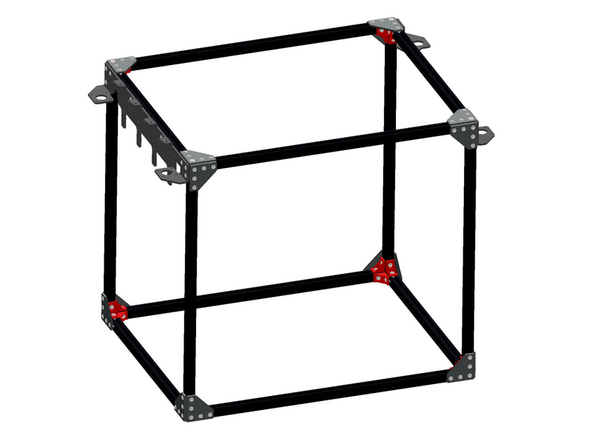
Difficulty
Easy
Steps
2
Time Required
00:30:00 - 01:00:00
- Stage 1 - Frame 2 steps

In Progress
This guide is currently being written. Reload periodically to see the latest changes.

Private
This guide will not appear in search results and can only be viewed by team members!
Quiz
0
-
-
Prepare 24 of the Corner Brackets as shown.
-
M5 x 8mm Button
-
M5 T-Nut
-
Do not tighten these nuts, they just need to be placed on by a few turns - they will be tightened down later in the next step.
-
-
-
Assemble the corner of the frame as shown.
-
Take care in orientating the beams as shown.
-
600mm Extrusion
-
470mm Extrusion
-
Corner Bracket Assembly (x3)
-
Ensure the end of the 600mm Extrusion is flush against the sides of the other extrusions as shown.
-
Assemble a total of four of these.
-


