You're viewing the latest revision of this guide.

Older Newer
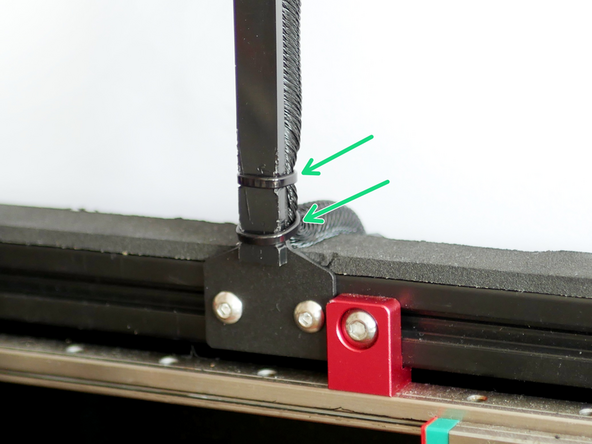
  1. Mount the cable relief bracket to the rear inside of the frame.
    • Mount the cable relief bracket to the rear inside of the frame.

    • Rear Cable Relief Bracket

    • M4x6mm Button

    • M4 T- Nut

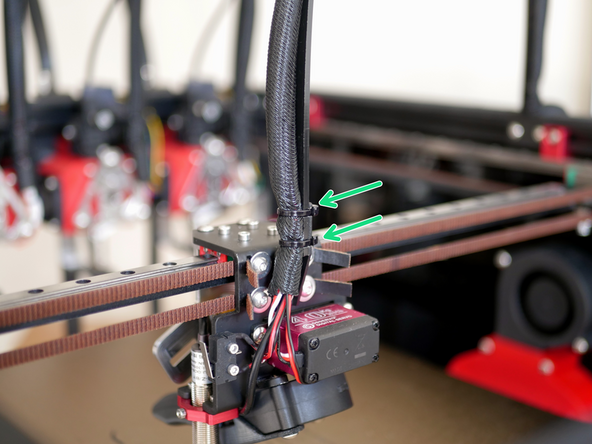
  2. Remove the old bracket and mount the new cable relief bracket to the tool carriage.
    • Remove the old bracket and mount the new cable relief bracket to the tool carriage.

    • M3 x 6mm Cap (Same Bolts)

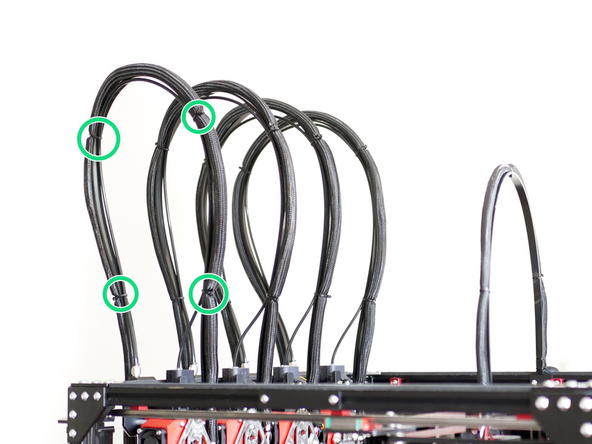
  3. Use cable ties to fix the cable support (the shorter 65mm support) to the cable loom, you may need to pull some of the loom from the base to fix onto the cable support. Use cable ties to fix the cable support (the shorter 65mm support) to the cable loom, you may need to pull some of the loom from the base to fix onto the cable support.
    • Use cable ties to fix the cable support (the shorter 65mm support) to the cable loom, you may need to pull some of the loom from the base to fix onto the cable support.

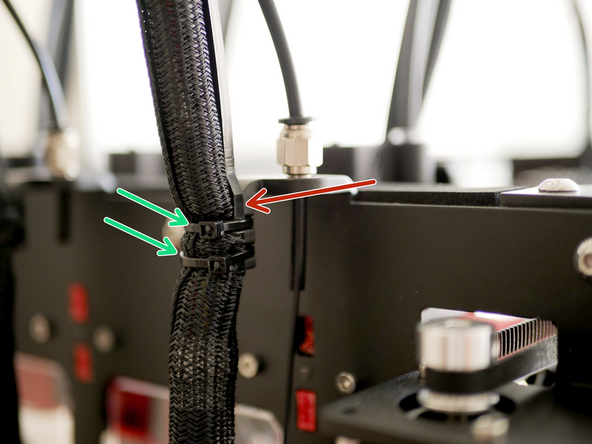
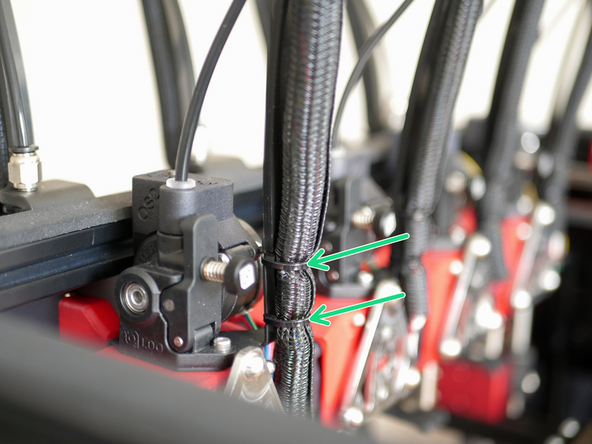
  4. Secure the print head cable support guides to the print head cables and PTFE tubes using cable ties. The wider side of the cable support fixes onto the bracket on the side of the frame of the printer. The wider side of the cable support fixes onto the bracket on the side of the frame of the printer.
    • Secure the print head cable support guides to the print head cables and PTFE tubes using cable ties.

    • The wider side of the cable support fixes onto the bracket on the side of the frame of the printer.

Makertech 3D

Member since: 3/9/18

51,265 Reputation

137 Guides authored

View Statistics:

Past 24 Hours: 0

Past 7 Days: 2

Past 30 Days: 13

All Time: 471