Difficulty
Moderate
Steps
5
Time Required
01:00:00
- Enclosure Install 5 steps

In Progress
This guide is currently being written. Reload periodically to see the latest changes.

Private
This guide will not appear in search results and can only be viewed by team members!
Quiz
0
-
-
Find the filter case, carbon filters and HEPA cloth.
-
Place a carbon filter onto the centre of the HEPA cloth.
-
Cut the 4 squares from the corners as shown.
-
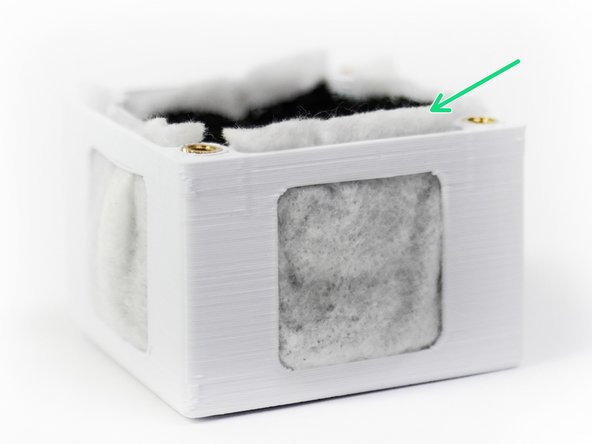
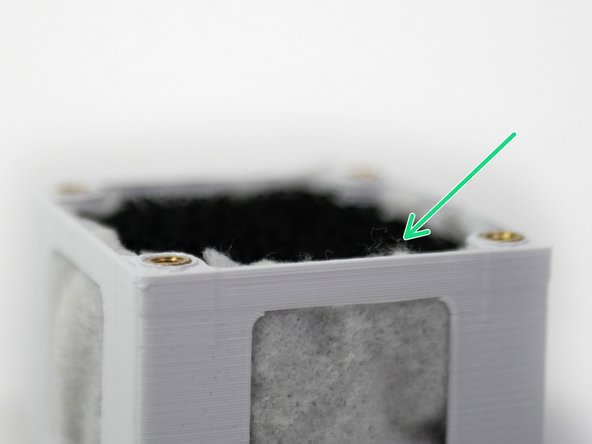
Push the carbon and HEPA filters into the filter case as shown.
-
-
-
Trim away the excess HEPA cloth.
-
-
-
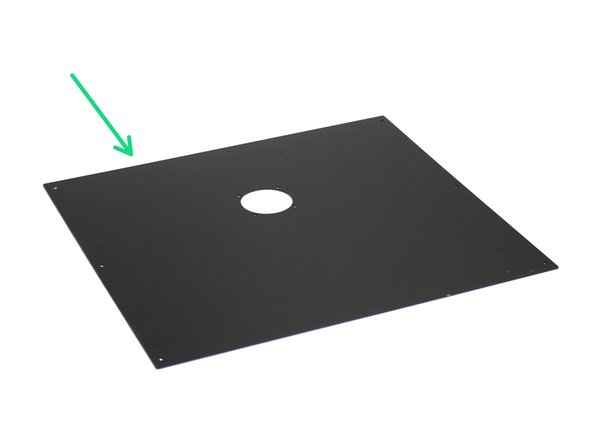
Remove the backing paper from the back panel.
-
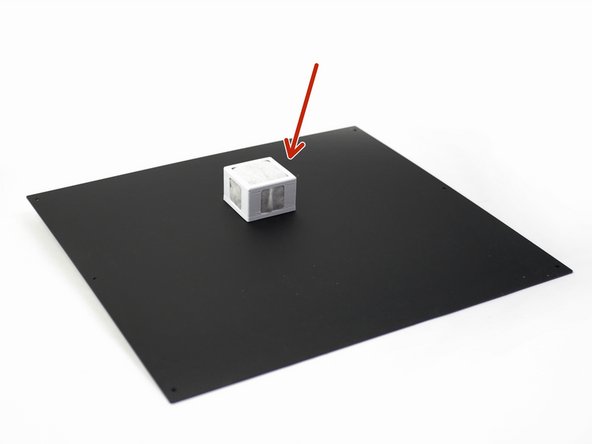
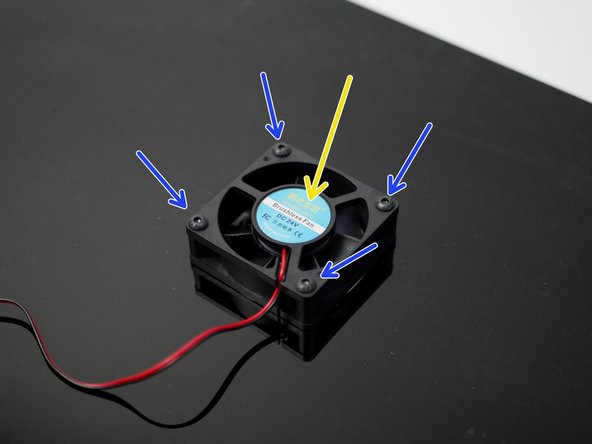
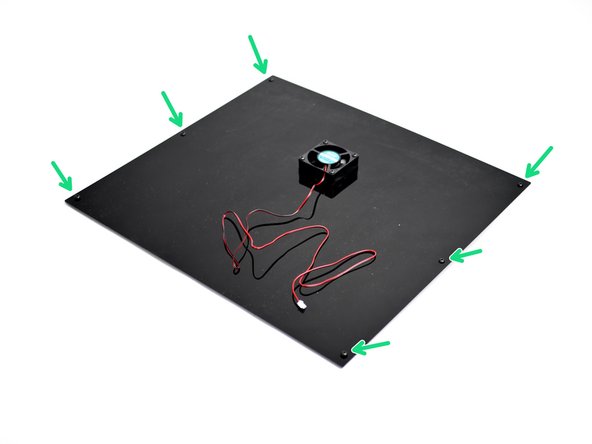
Fix the fume filter assembly to the back panel, with the 60mm fan on the other side.
-
M4 x 25mm Bolt
-
Make sure that the fan is fixed sticker side up.
-
-
-
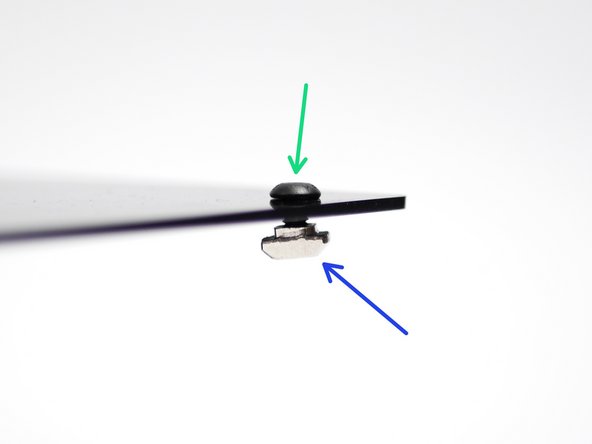
Losely fasten on:
-
M4 x 6mm Bolts
-
M4 T-Nuts
-
Make sure that the bolts are on the fan side.
-
-
-
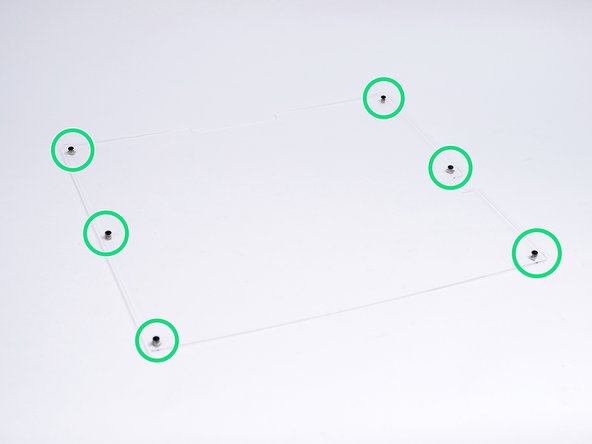
Begin by peeling away the protective covering from both sides of the side panels.
-
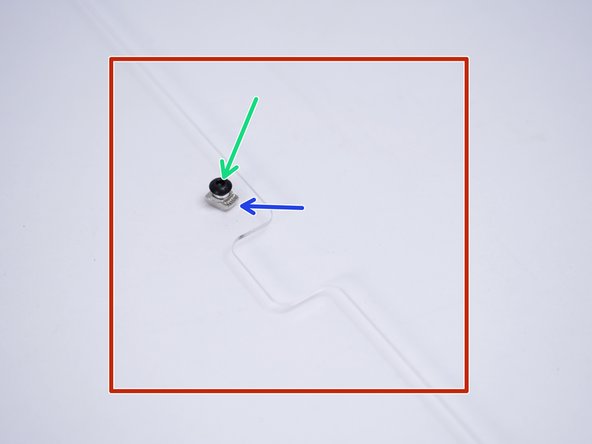
As with the back panels, losely fasten:
-
M4 x 6mm Bolt
-
M4 T-Nut
-
Create mirrored assemblies of the two side panels.
-